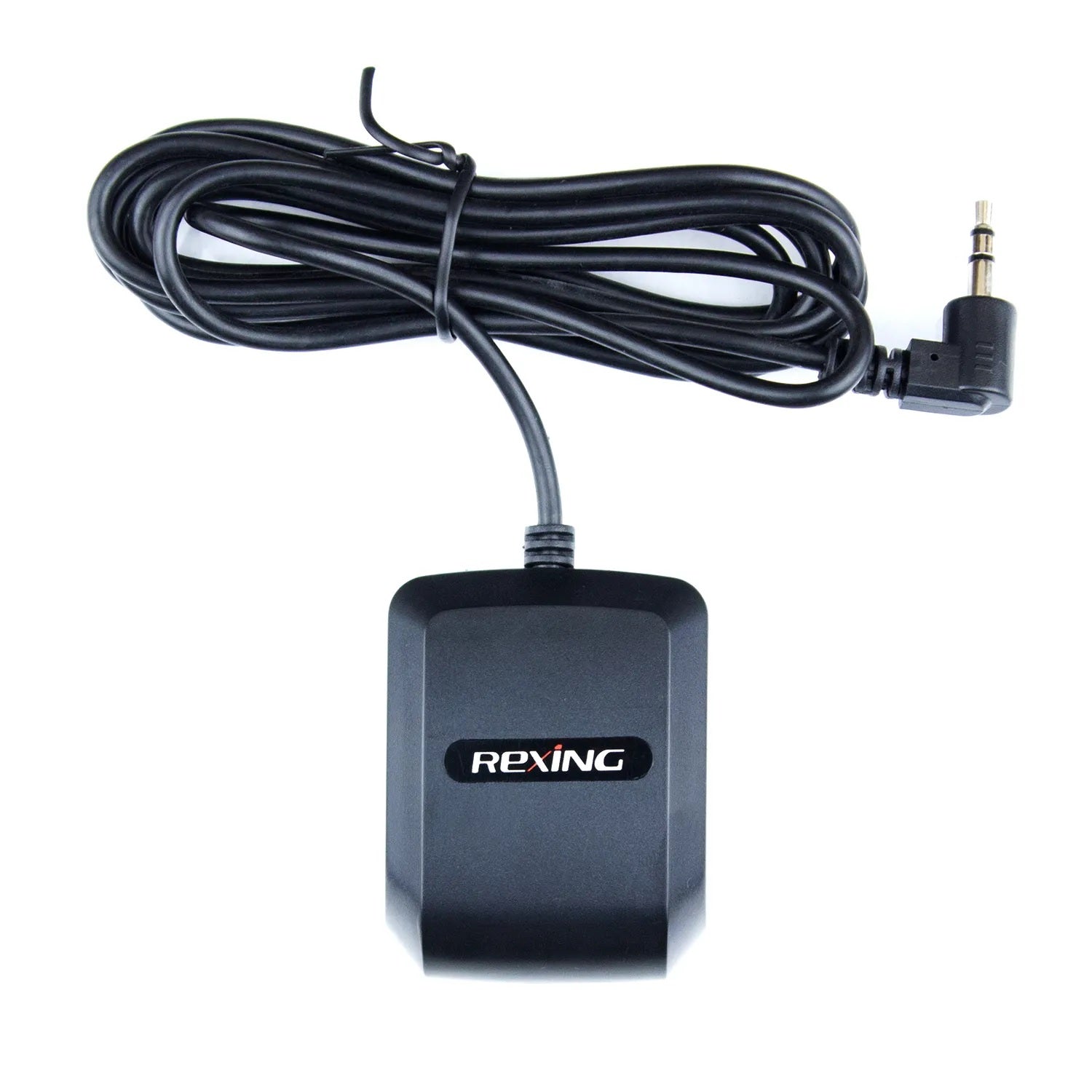
Rexing external GPS logger with 3.5mm connector

Rexing USA

Registrador GPS Rexing para V1 Basic, V1-4K, V1P-4K, M1 Pro, M2 Max, M2 Max Pro, M2-4, V1 FHD, M4-4 y RW4

Precio de venta$19.99 Precio normal$29.99
Ahorra $10.00

Registrador GPS Rexing para V1 Basic, V1-4K, V1P-4K, M1 Pro, M2 Max, M2 Max Pro, M2-4, V1 FHD, M4-4 y RW4

Al conectarlo a una cámara de tablero Rexing, la velocidad y la ubicación de su vehículo se registrarán en sus videos mientras conduce. Puede acceder a esta información mientras reproduce sus grabaciones con el software gratuito GPS Logger.

Características:

  • COMPATIBILIDAD - Diseñado para usarse únicamente con cámaras de tablero Rexing V1 Basic, V1-4K, V1P-4K, M1 Pro, M2 Max, M2 Max Pro, M2-4, V1 FHD, M4-4 y RW4. ***NOTA: Este producto NO es compatible con otras cámaras de tablero Rexing, incluidas Rexing V1P 3rd Gen, V3 Basic, M1, M2, M3, S1, S1 Pro y S3.***
  • MAPA TU VIAJE - Vea la ruta exacta que tomó y reproduzca sus grabaciones con información muy detallada sobre la ubicación y la velocidad utilizando nuestro software gratuito GPS Logger.
  • MÉTRICAS IMPORTANTES - Le brinda la opción de registrar cuándo, dónde y qué tan rápido viajaba con varias métricas que pueden resultar muy útiles al informar un incidente de conducción.
  • FECHA Y HORA PRECISAS - Actualiza la fecha y la hora de su cámara de tablero a su zona horaria, lo que garantiza que la marca de tiempo de su metraje se mantenga precisa.
  • SOFTWARE - Reproductor de vídeo GPS para Windows y Mac, disponible en www.rexingusa.com.
Cantidad:

EXTERNAL GPS LOGGER · 3.5mm

Product information

Compatible models, GPS port connection and recording playback.

Compatible cameras

Match your exact model and version.

  • V1-4K
  • V1P-4K
  • V1 FHD
  • V1 Basic
  • M1 Pro
  • M2 Max
  • M2-4CH
  • M3
  • M4-4CH
  • M2 Max Pro
  • R4 RD
  • 4CH

Check that your camera has the required 3.5mm GPS port. A matching connector does not establish compatibility. If your camera already has GPS, confirm whether an additional logger is needed.

Not compatible with C3. C3 uses a different dedicated logger, despite also having a 3.5mm connector. View the C3 GPS Logger →

Check GPS accessories for another model →

Accessory overview

This external logger connects to the GPS port on a compatible Rexing dash cam. After a satellite signal is acquired, the camera can record location, speed and route information alongside its video.
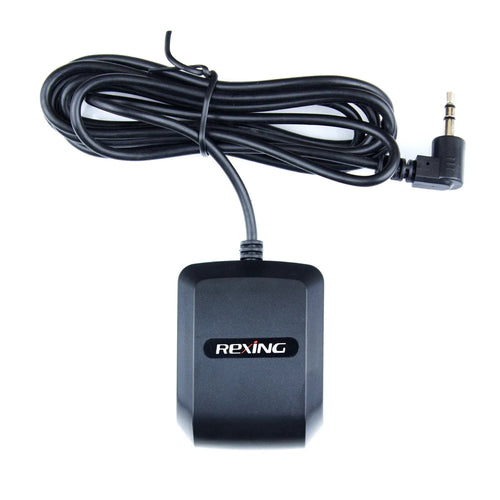
Connector
3.5mm
Connection point
Compatible camera’s dedicated GPS port
Recorded data
Location, speed and route, depending on camera and firmware
Registrador GPS Rexing para V1 Basic, V1-4K, V1P-4K, M1 Pro, M2 Max, M2 Max Pro, M2-4, V1 FHD, M4-4 y RW4
3.5mm external GPS logger

How to connect

External GPS logger3.5mm GPS port on compatible camera
  1. Confirm the camera model, version and GPS port before connecting this accessory.
  2. Connect the logger to the camera’s dedicated GPS port and check the camera’s GPS settings.
  3. Allow the logger to acquire a satellite signal, then record a short clip and check the available GPS information.

Refer to your camera’s manual for GPS port location and settings.

View GPS recordings

Phone and computer options.

Rexing Connect

For cameras with compatible Wi-Fi, connect your phone to the camera to review recordings and available GPS information.

App access and GPS features depend on your camera model and firmware.

Rexing GPS Player

Copy the original files from your camera’s memory card to your computer and open them in the compatible GPS Player.

Keep the original files and check your camera manual for player requirements.

All Rexing apps and software →

Usage notes

  • GPS playback requires footage recorded with GPS data. Information cannot be added to older recordings captured without GPS.
  • The logger connects to the camera, not directly to your phone or computer.
  • This accessory does not enable parking mode. Parking monitoring depends on the camera and its compatible power accessories.
  • Use only with the models listed above and verify the camera version and port.

Need help identifying your GPS port? Contact Rexing support.

CUSTOMER FEEDBACK

Reviews, all in one place

Product feedback and shopping experiences from three independent review sources. Every star rating is welcome.

Write a review

Tell us about your experience.

REXING ADVANCED SUPPORT

Let us help make things right.

Your satisfaction matters to us. Tell us what happened, and your request will be sent directly to Rexing’s Advanced Support Team for priority review.

Registrador GPS Rexing para V1 Basic, V1-4K, V1P-4K, M1 Pro, M2 Max, M2 Max Pro, M2-4, V1 FHD, M4-4 y RW4

Loading product rating…

Loading product reviews…

View original review widgets