Dash cam installation,
made simple.
Find your model, follow the video, and set up a clear view of the road. From the first mount to your first recording, start here.
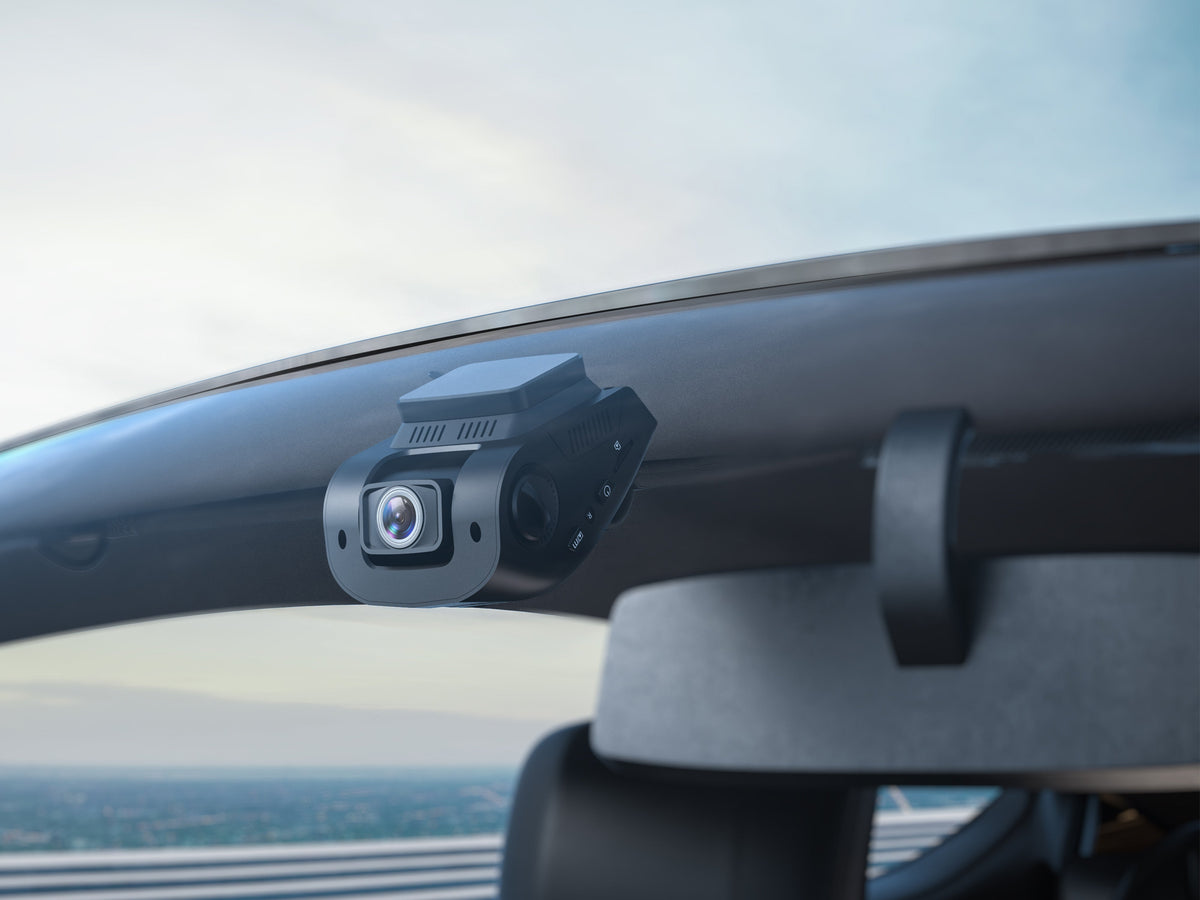
A guide that fits
your dash cam.
Choose one of the six original video guides below. Match the model on your camera before you begin.
Your mount, connectors, rear camera and menu may differ by model or version. For exact instructions, use your model’s user manual.
Before you begin
- Camera, mount & supplied power cable
- A compatible microSD card
- Clean, dry windshield & soft cloth
- Rear camera and cable, if included
One step closer
to the road.
A practical order for a standard windshield installation. Park the vehicle and complete setup before driving.
Watch alongside the steps ↗Test the view before attaching anything
Connect the camera temporarily using its supplied power adapter. Hold it in your intended position and check the live view. Keep the driver’s sightline clear and make sure the cable reaches the power outlet. Disconnect power before continuing.
Prepare the glass and mount
Clean and fully dry the mounting area. If your kit includes an electrostatic film, apply it as your manual directs. Check the mount’s orientation before peeling the adhesive backing.
Secure the mount and let it set
Press the adhesive mount firmly into place without the camera’s weight on it. Follow the waiting time in your model’s manual and any instructions supplied with the adhesive.
For example, the R4 guide specifies at least 20 minutes before attaching the camera. Suction mounts and mirror straps use a different installation process.
Insert the card, then attach the camera
With power off, insert a microSD card that meets your model’s requirements. Once the mount is ready, secure the camera and adjust its angle. Remove any protective film covering the lens.
Connect the rear camera, if equipped
Check the rear view before fixing the camera in place. Use the matching rear-camera cable and the connection shown in your manual; on systems such as the R4, this cable connects the rear camera to the front unit’s rear-camera port.
For an exterior or reversing camera, use that model’s mounting and wiring instructions. Have a qualified installer handle vehicle wiring if needed.
Route and secure the cables
Plan the route before hiding the cable. Leave enough slack at connectors and moving panels, and secure excess cable. Keep every cable clear of airbags, pedals, steering controls and other moving parts.
Do not push wiring behind airbag trim without checking the vehicle’s instructions. A professional installer can help with a safe, concealed route.
Power on and prepare the memory card
Use the supplied vehicle power adapter or a compatible hardwire kit installed according to its instructions. Back up any files you need, then format the card in the camera’s menu before first use. Formatting erases the card.
Make a short test recording
Set the date and time, check each camera view and confirm recording has started. Play back a short clip to verify the angle and image. Connect the model’s app if you want to review footage on your phone.
Clean cables.
The right power.
Power and camera connections do different jobs. Check the port labels and your model’s manual before routing either cable.
Front camera power
Use the power adapter supplied for your camera. Decide where the cable will run, check its reach, then secure it along a suitable route for your vehicle.
Rear camera connection
For supported front-and-rear systems, the rear camera connects to the main unit using its dedicated cable. Mirror and reversing-camera installations can require additional model-specific wiring.
Match the kit
to your camera.
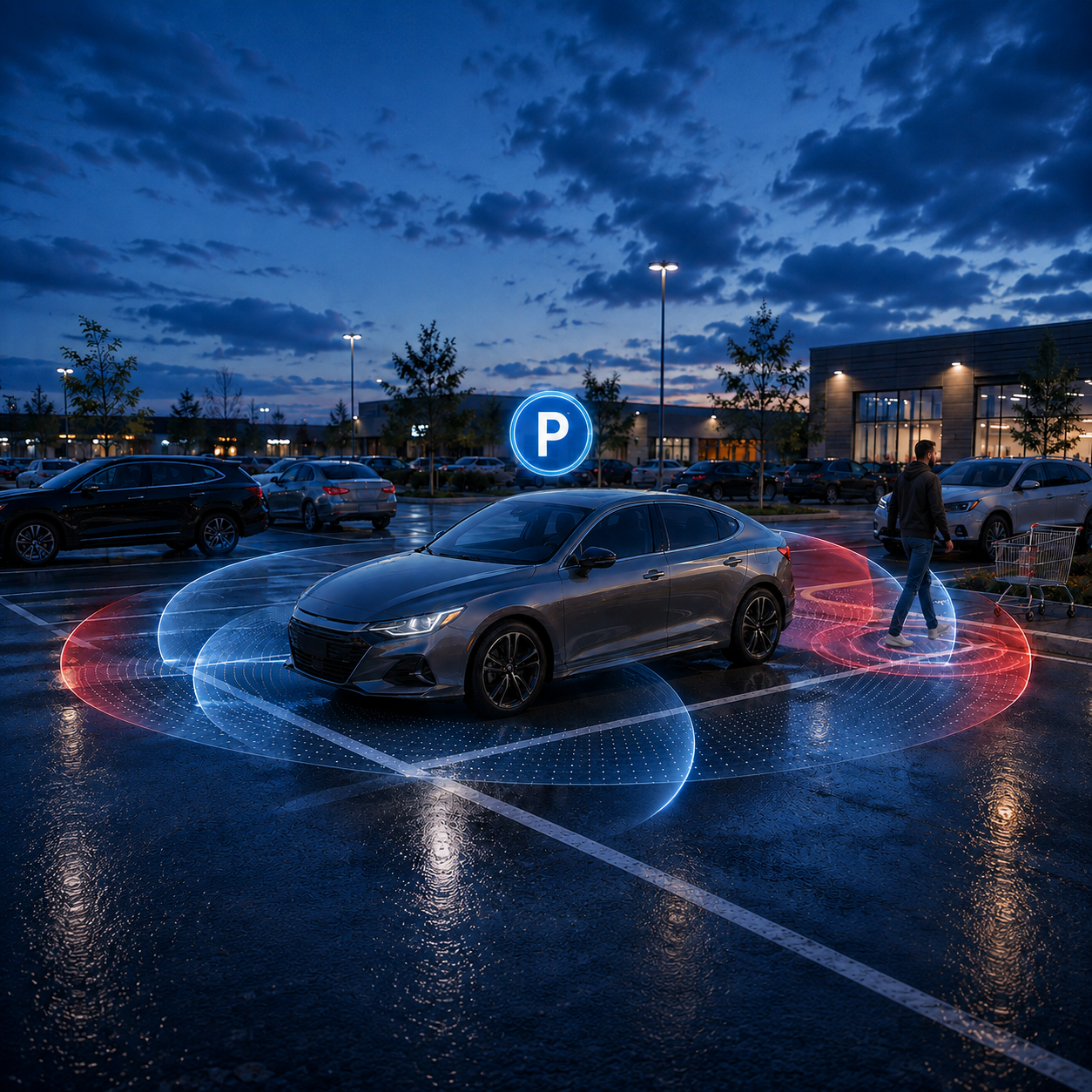
Parking monitoring may require a compatible hardwire kit or another power solution specified in your manual. Connector type, supported modes and installation requirements vary by camera and kit.
A final check
before you drive.
- Mount secure; driver’s view unobstructed
- All lenses clear and camera angles checked
- Cables secured away from airbags and controls
- Date, time and recording status confirmed
- A short clip plays back from each connected camera
Installation
questions.
How long should I wait before attaching the camera?
Do I need a hardwire kit for everyday recording?
Where does the rear-camera cable connect?
Why is my camera on but not recording?
My model is not listed. Where should I start?
Need a hand with your setup?
Tell us your camera model and where you are in the installation.