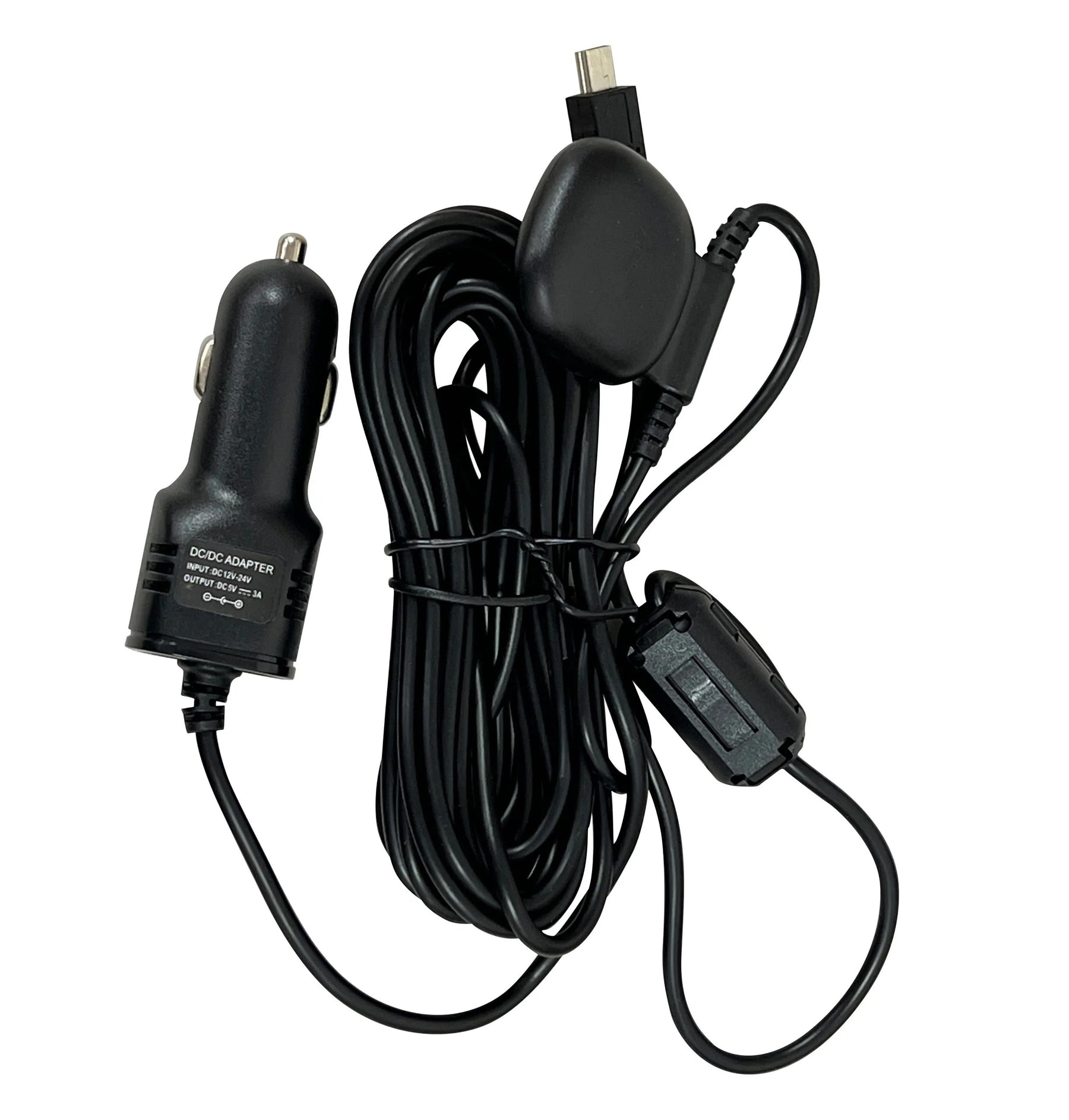
Chargeur Rexing M3 avec enregistreur GPS

Rexing USA

Chargeur Rexing M3 avec enregistreur GPS

Prix de vente$29.99

Chargeur Rexing M3 avec enregistreur GPS

En connectant votre véhicule à une caméra embarquée Rexing, la vitesse et la position de votre véhicule seront enregistrées sur vos vidéos pendant votre trajet. Vous pourrez ensuite accéder à ces informations tout en visionnant vos enregistrements grâce au logiciel gratuit GPS Logger.

Caractéristiques:

  • UTILISER - Se branche sur le port allume-cigare (accessoire)
  • LONGUEUR - Comprend un câble de chargement pour caméra de tableau de bord de 13 pieds
  • COMPATIBILITÉ - Compatible uniquement avec M3
  • MESURES IMPORTANTES - Vous offre la possibilité d'enregistrer quand, où et à quelle vitesse vous voyagiez avec plusieurs mesures qui peuvent s'avérer très utiles pour signaler un incident de conduite.
  • CARTOGRAPHIEZ VOTRE VOYAGE - Visualisez votre chemin exact emprunté, lisez vos enregistrements avec des informations de localisation et de vitesse très détaillées à l'aide de notre logiciel GPS Logger gratuit.
Quantité:

CAR CHARGER WITH GPS

Product information

Compatibility, power connection and GPS recording for the Rexing M3.

Compatible camera

  • Rexing M3 only

This charger with GPS is designed specifically for the M3. Check the model name on your camera or packaging before ordering. A matching connector does not establish compatibility with other Rexing cameras.

Find GPS accessories for another model →

Accessory overview

Camera power and GPS in one accessory.

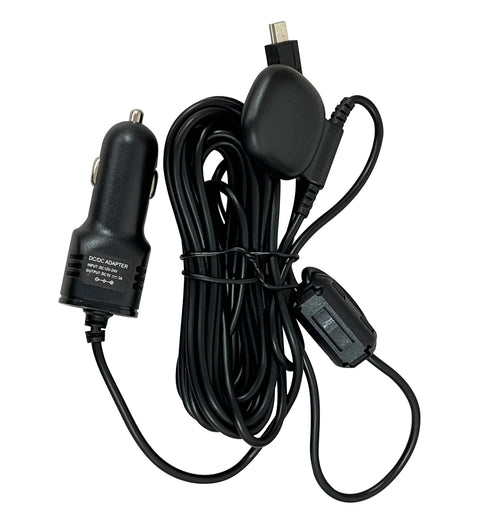
The charger plugs into your vehicle’s cigarette lighter / accessory socket to power a compatible M3 dash cam. Its integrated GPS logger enables the camera to record location, speed and route information after a satellite signal is acquired.
Compatibility
Rexing M3 only
Power connection
Vehicle cigarette lighter / accessory socket
Cable length
13 ft / 156 inches (approximately 396 cm)
GPS playback
Recorded location, speed and route, depending on camera firmware
Rexing M3 car charger with integrated GPS logger and charging cable
Car charger with integrated GPS

How to connect

Vehicle accessory socketCharger with GPSRexing M3
  1. Plug the charger into the vehicle’s cigarette lighter / accessory socket.
  2. Connect the charging cable to your M3 and route it so it does not interfere with vehicle controls or visibility.
  3. Check the M3 GPS settings, allow it to acquire a satellite signal and check a recording for available GPS information.

Follow your M3 manual for installation and GPS settings.

View GPS recordings

Phone and computer options.

Rexing Connect

Connect your phone to the M3 camera’s Wi-Fi to review recordings and available GPS information.

Available GPS features depend on camera firmware.

Rexing GPS Player

Copy the original recording files from the M3 memory card to your computer and open them in the compatible GPS Player.

Keep the original files and check your camera manual for player requirements.

All Rexing apps and software →

Usage notes

  • GPS playback requires footage recorded with GPS data. Information cannot be added to older recordings captured without GPS.
  • The charger connects to the M3, not directly to your phone or computer.
  • This charger does not provide power when the vehicle’s accessory socket is switched off. Continuous parking monitoring depends on a suitable power source and the camera’s supported parking functions.
  • If your M3 setup already includes the correct GPS charger, an additional unit may not be needed.

Need help choosing an accessory? Contact Rexing support.

CUSTOMER FEEDBACK

Reviews, all in one place

Product feedback and shopping experiences from three independent review sources. Every star rating is welcome.

Write a review

Tell us about your experience.

REXING ADVANCED SUPPORT

Let us help make things right.

Your satisfaction matters to us. Tell us what happened, and your request will be sent directly to Rexing’s Advanced Support Team for priority review.

Chargeur Rexing M3 avec enregistreur GPS

Loading product rating…

Loading product reviews…

View original review widgets