


Rexing Connect
For cameras with compatible Wi-Fi, connect your phone to the camera to review recordings and available GPS information.
App access and GPS features depend on your camera model and firmware.
Panier
Votre panier est vide
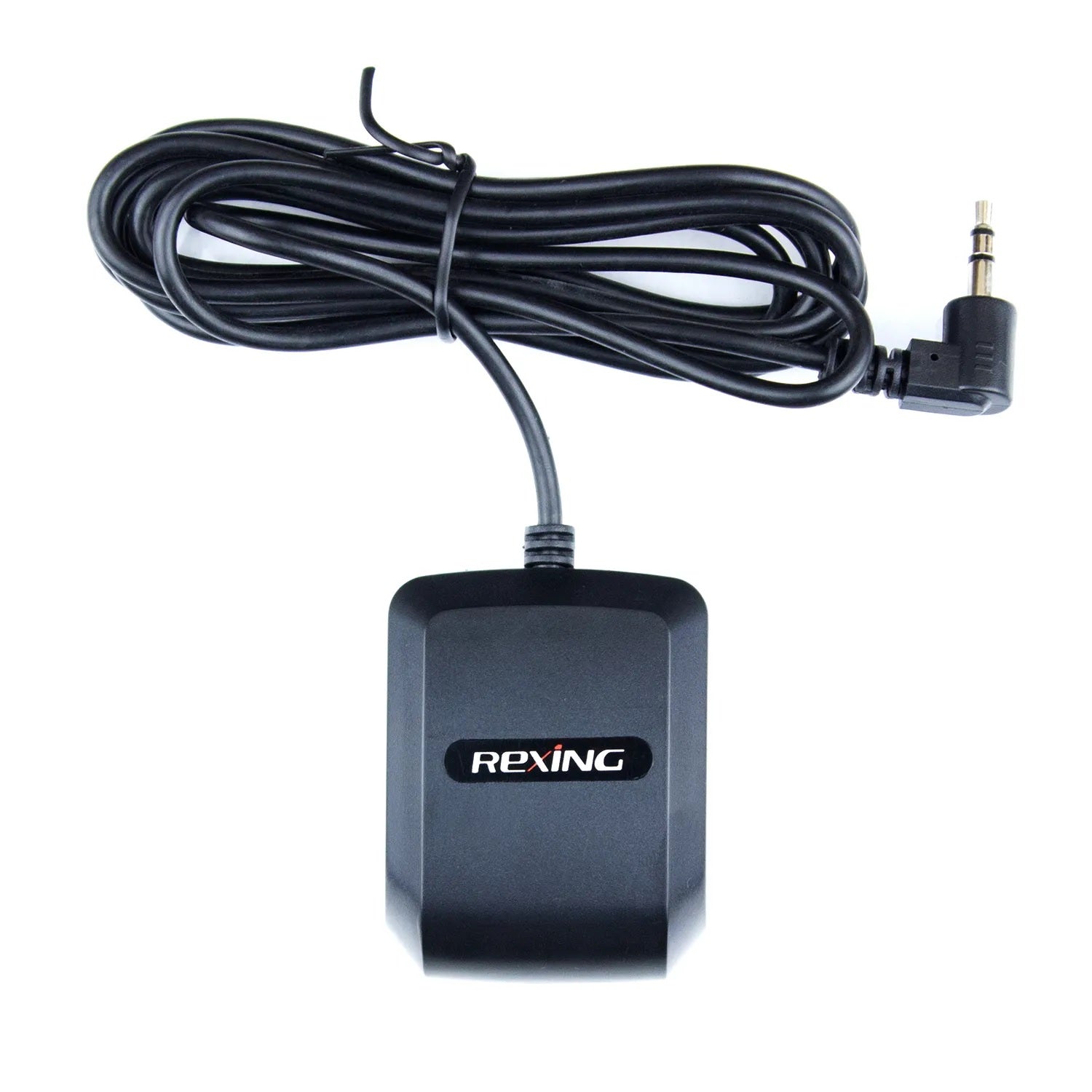
Enregistreur GPS Rexing pour V1 Basic, V1-4K, V1P-4K, M1 Pro, M2 Max, M2 Max Pro, M2-4, V1 FHD, M4-4 et RW4
En connectant votre véhicule à une caméra embarquée Rexing, la vitesse et la position de votre véhicule seront enregistrées sur vos vidéos pendant votre trajet. Vous pourrez ensuite accéder à ces informations tout en visionnant vos enregistrements grâce au logiciel gratuit GPS Logger.
Caractéristiques:
EXTERNAL GPS LOGGER · 3.5mm
Compatible models, GPS port connection and recording playback.
Match your exact model and version.
Check that your camera has the required 3.5mm GPS port. A matching connector does not establish compatibility. If your camera already has GPS, confirm whether an additional logger is needed.
Not compatible with C3. C3 uses a different dedicated logger, despite also having a 3.5mm connector. View the C3 GPS Logger →
Check GPS accessories for another model →This external logger connects to the GPS port on a compatible Rexing dash cam. After a satellite signal is acquired, the camera can record location, speed and route information alongside its video.
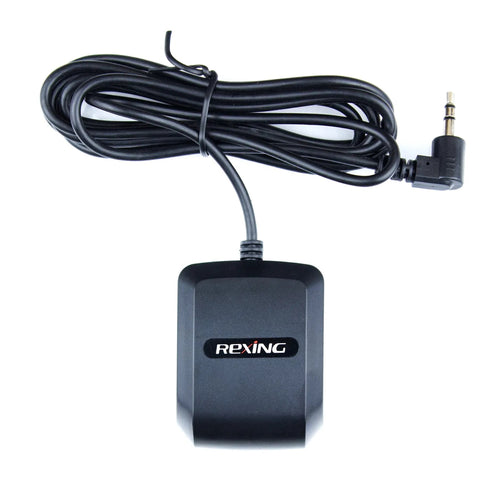
Refer to your camera’s manual for GPS port location and settings.
Phone and computer options.
For cameras with compatible Wi-Fi, connect your phone to the camera to review recordings and available GPS information.
App access and GPS features depend on your camera model and firmware.
Copy the original files from your camera’s memory card to your computer and open them in the compatible GPS Player.
Keep the original files and check your camera manual for player requirements.
Need help identifying your GPS port? Contact Rexing support.