
Extra reach.
Clear setup.
Connect the Tesla NACS compatible extension cable in the correct order and understand its charging limits.
Download Tesla Extension Cable manual ↗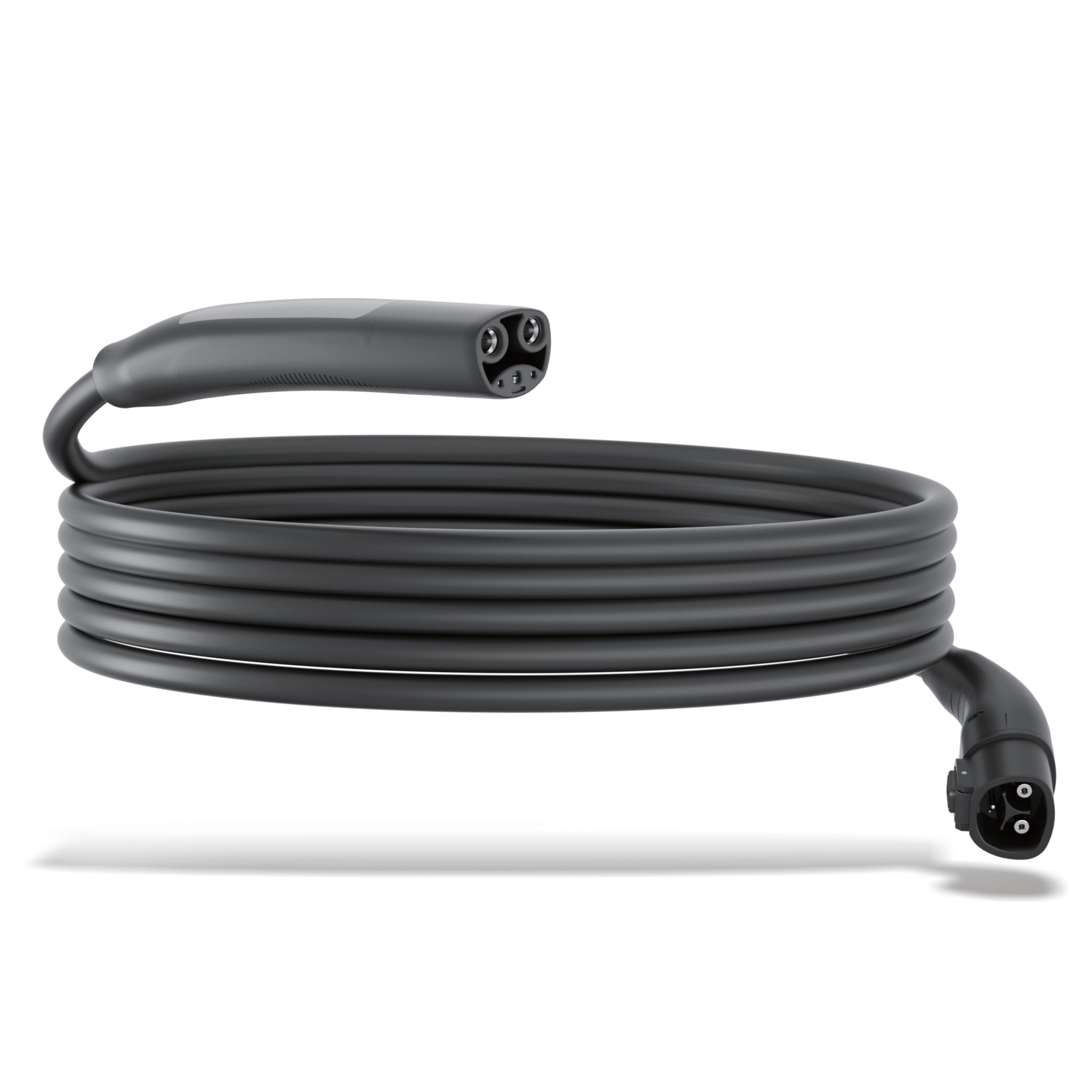
Connect in the correct order.
1 · Connect the charger
Read the full cable and charger instructions. Plug the compatible Tesla charger into the extension cable.
2 · Wait 30 seconds
The official guide specifies a 30-second wait after joining the charger and extension cable.
3 · Connect to the vehicle
Then plug the extension cable into the Tesla vehicle. Follow the vehicle and charger instructions to begin charging.
Know the cable’s rating.
Maximum documented output
The guide lists up to 48A at 240V, equivalent to 11.5kW. This is a cable rating, not a guaranteed charging speed.
Actual speed varies
The charger, charging station and vehicle model affect the speed. Follow the ratings and limitations of every connected component.
20ft cable
The guide specifies a 20ft extension and operating/storage temperatures from −22°F to 122°F. Check the label on your actual cable before use.
Protect the cable and connections.
Keep away from water and heat
The guide lists IP55 protection but also instructs keeping the product away from water and heat sources. Do not interpret IP55 as permission to immerse the connectors.
Clean with a dry cloth
Use a dry cloth only. Avoid disassembly, dropping the product or exposing it to heavy impact.
Store securely
Use the supplied travel case and keep the cable out of children’s reach. Follow the documented storage-temperature range.
Identify the setup before changing it.
Charging does not begin
Check the exact charger and cable compatibility, inspect the connections, and follow the charger → cable → 30-second wait → vehicle sequence. Note any message shown by the vehicle or charger.
Why am I getting less than 11.5kW?
11.5kW is the cable’s maximum documented rating. The charger, station and vehicle can limit the actual charging speed.
Can I use this with any NACS charger?
The guide does not confirm every charging-station or vehicle combination. Confirm your charger, vehicle and cable part number with Rexing before using an unlisted setup.
Send the right details
Include the cable label, charger model, vehicle model and the exact charging error. Do not modify the cable to troubleshoot.
The right guide for your Tesla Extension Cable.
Tesla Extension Cable manual
Connection, ratings & safety
September 2023 guide · PDF ↗
Warranty information
Review warranty and return information →
Find another model
Search all product support →
Still need a hand?
Contact Rexing with your Tesla Extension Cable model and a photo of the issue.