
R316.
Set up.
Stay ready.
Get your R316 Best Buy version recording, connect Rexing Connect and find the right guide for playback and parking monitoring.
Download R316 guide ↗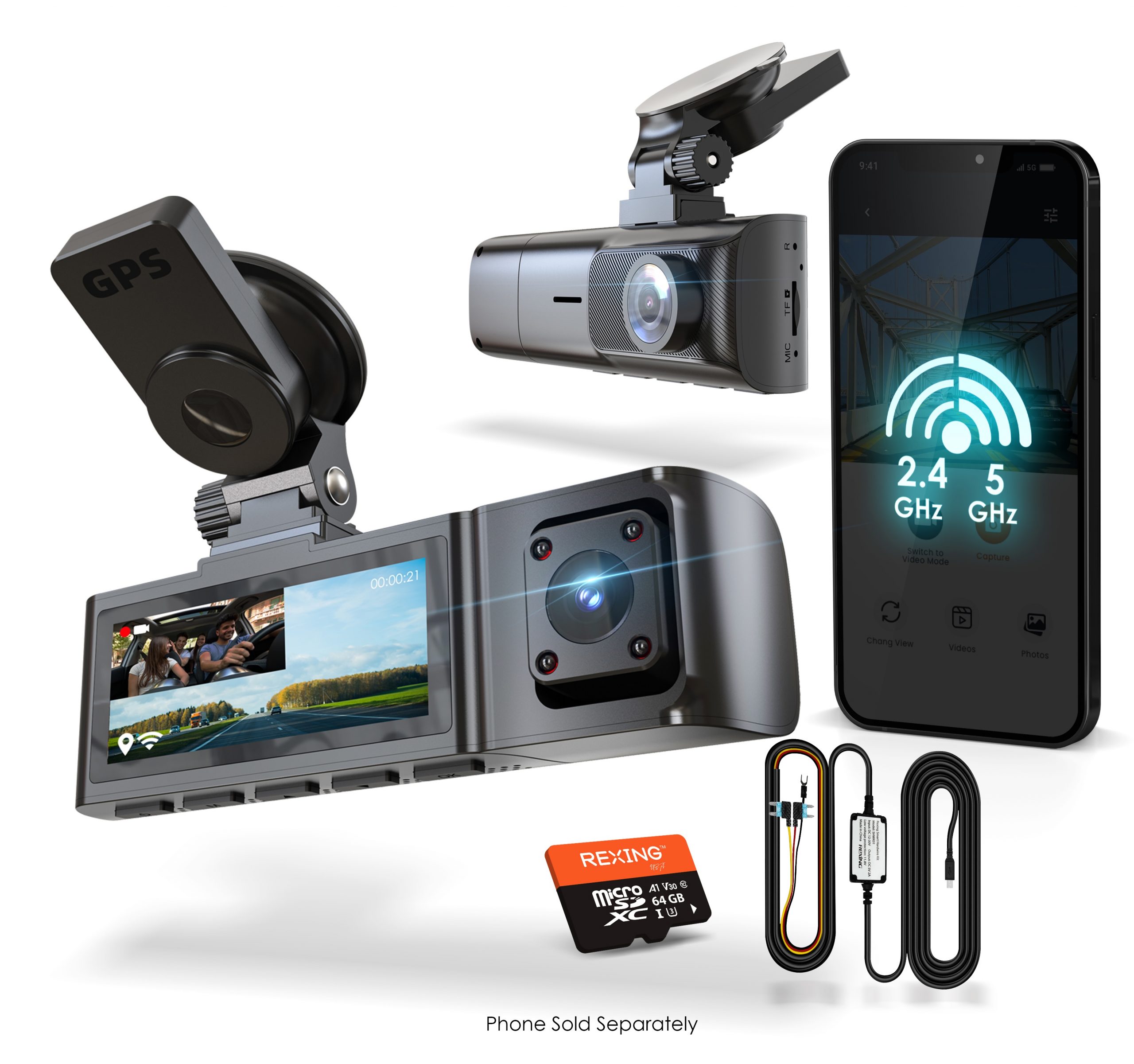
Ready for the first drive.
Follow the illustrated installation section in this version’s R316 user manual.
Insert a suitable card
Use a dash-cam-rated microSD card, Class 10 / UHS-I or higher, up to 256GB. Power the camera off before inserting or removing the card. Back up recordings before formatting.
Secure the suction mount
Orient the mount as illustrated in the guide and lock the suction cup. Attach the camera and route its power cable around the windshield, securing it under the trim without obstructing your view.
Connect vehicle power
Plug the supplied car charger into a 12V DC accessory outlet and connect it to the camera. The camera starts recording when it receives power. Press and hold Power to turn it on manually.
Connect nearby.
Review your recordings.
Use Rexing Connect for the phone connection described in the R316 manual.
Rexing app downloads →Enable camera Wi-Fi
With the camera powered on, hold the UP navigation button to enable Wi-Fi. The camera displays its Wi-Fi name and password. Use the details shown on your own camera.
Connect your phone
Open your phone’s Wi-Fi settings and join the camera’s network. Enter the displayed password, then open Rexing Connect. The manual notes that some phones may need another connection attempt.
Play footage on the camera
Hold M to enter Playback Mode. Use the UP and DOWN buttons to choose a video, then press OK to play or pause. During playback, UP rewinds and DOWN fast-forwards.
Review footage on a computer
Turn the camera off before removing the card. Insert it into an SD-card adapter or compatible card reader, then access the recordings on your computer. Keep a separate copy of important clips.
Set up the power first.
Parking monitoring requires a compatible Rexing Type-C smart hardwire kit. It supplies power after the engine is off and helps protect the vehicle battery.
Confirm the correct kit
The R316 manual specifies a Rexing Type-C smart hardwire kit. Check compatibility and your package contents before installation. Have a qualified installer help if needed.
Understand impact detection
The Gravity Sensing function detects significant or sudden movement and triggers an event recording. The guide suggests High sensitivity for parking recording; use the setting appropriate to your installation.
Do not enable Parking Monitor without the smart hardwire kit
The manual explicitly warns that enabling Parking Monitor without this connection may cause a malfunction. Once installed correctly, the camera can switch to parking mode when the engine turns off and return to normal recording when it turns on.
A clearer next step.
Use the R316 guide for this Best Buy version. Settings and package contents may differ between versions.
Which memory card does this version support?
A Class 10 / UHS-I or higher microSD card up to 256GB. Choose a card designed for continuous dash-cam recording and insert or remove it only with power off.
Why can’t I change menu settings?
Press OK to stop an active recording, then press MENU once to enter settings. Resume recording after you finish.
My phone cannot connect to the camera. What should I check?
Power the camera on, hold UP to enable Wi-Fi and confirm the network name and password on-screen. Join that network in the phone’s Wi-Fi settings before opening Rexing Connect. Some phones may need more than one connection attempt.
Why is my memory card filling up?
Locked event clips are not removed by loop recording. Check your Gravity Sensing sensitivity and back up important recordings. The guide recommends Low sensitivity when you do not use parking mode.
Can I use parking mode with only the car charger?
The guide requires a compatible Rexing Type-C smart hardwire kit for Parking Monitor. Do not enable that setting without the smart hardwire connection.
Can I use the R316 in hot weather?
The official support page lists operation up to 140°F (60°C). Check your operating environment and the device guidance before use.
Where should I look for firmware?
Use Rexing’s official firmware tool and match the exact model and version. Avoid installing firmware intended for another camera. Contact support if you cannot confirm the correct file.
The right guide for your R316.
Still need a hand?
Tell us it is the R316 Best Buy version and share the issue and firmware version.
Model reference: Rexing R316 BestBuy Version support page and its linked R316 user manual. Package contents and accessory availability depend on the version purchased.