


Rexing Connect
Connect your phone to the S3 camera’s Wi-Fi to review recordings and available GPS information.
Available GPS features depend on camera firmware.
Cart
Your cart is empty
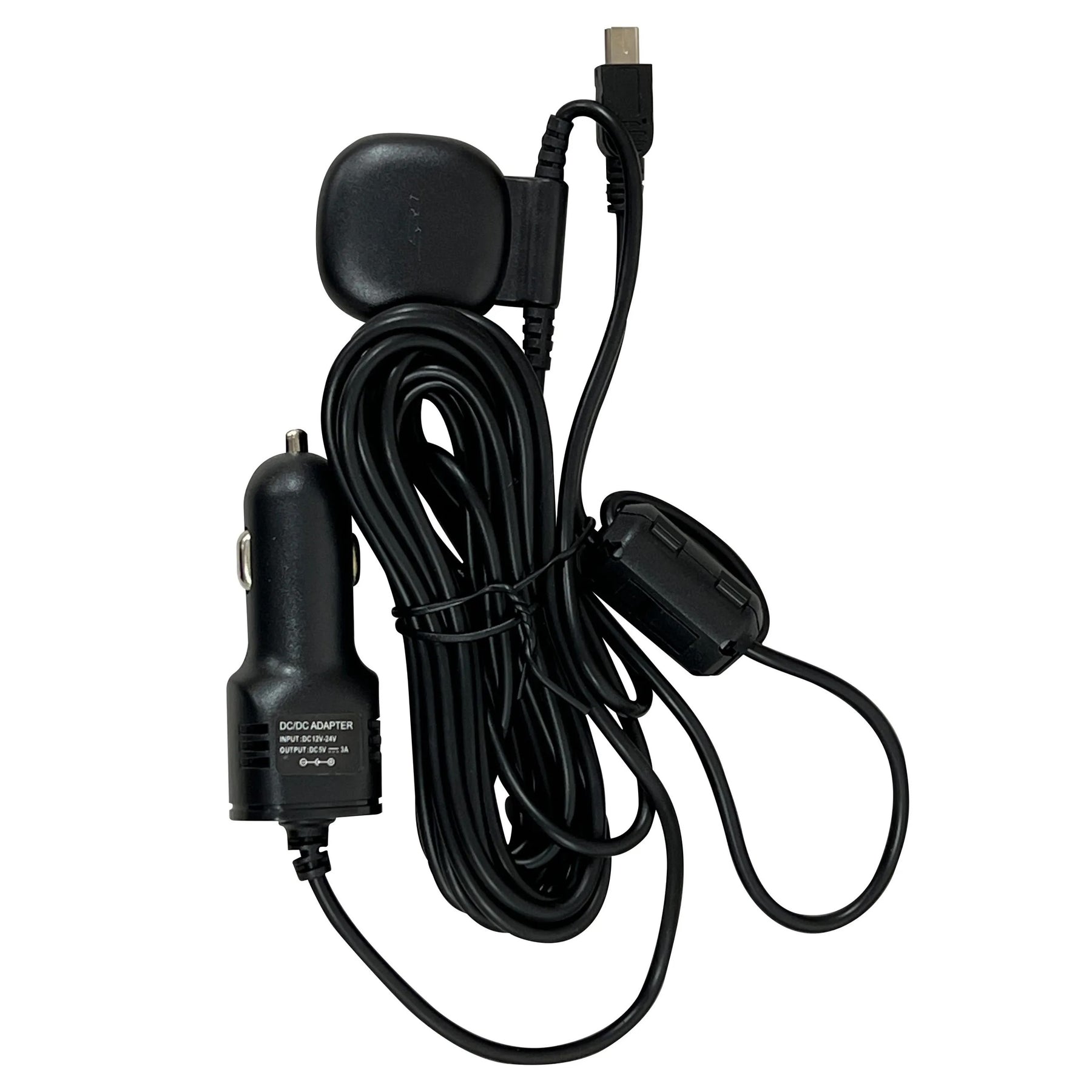
Car charger with integrated GPS for the Rexing S3 only. Powers your compatible S3 dash cam from the vehicle’s cigarette lighter / accessory socket and adds GPS information to recordings after a satellite signal is acquired.
View available GPS information in Rexing Connect with your S3 camera’s Wi-Fi, or review original recordings on a computer with Rexing GPS Player. Available functions depend on camera firmware; playback requires footage recorded with GPS data.
Rexing Connect: iPhone / iOS · Android
Rexing GPS Player: Windows · Mac
CAR CHARGER WITH GPS
Compatibility, power connection and GPS recording for the Rexing S3.
This charger with GPS is designed specifically for the S3. Check the model name on your camera or packaging before ordering. A matching connector does not establish compatibility with other Rexing cameras.
Find GPS accessories for another model →Camera power and GPS in one accessory.
The charger plugs into your vehicle’s cigarette lighter / accessory socket to power a compatible S3 dash cam. Its integrated GPS logger enables the camera to record location, speed and route information after a satellite signal is acquired.

Follow your S3 manual for installation and GPS settings.
Phone and computer options.
Connect your phone to the S3 camera’s Wi-Fi to review recordings and available GPS information.
Available GPS features depend on camera firmware.
Copy the original recording files from the S3 memory card to your computer and open them in the compatible GPS Player.
Keep the original files and check your camera manual for player requirements.
Need help choosing an accessory? Contact Rexing support.