


Your vehicle
Factory-installed wired Apple CarPlay for iPhone, or factory-installed wired Android Auto for Android. Use the vehicle's USB data port that already runs that system.
Cart
Your cart is empty




OEM Integrated Apple CarPlay | Convert Wired CarPlay to Wireless CarPlay | 5GHz Wi-Fi | Plug and Play | Bluetooth | USB, Type-C and Play | Bluetooth | USB, Type-C
REXING CPW-42 · WIRELESS ADAPTER
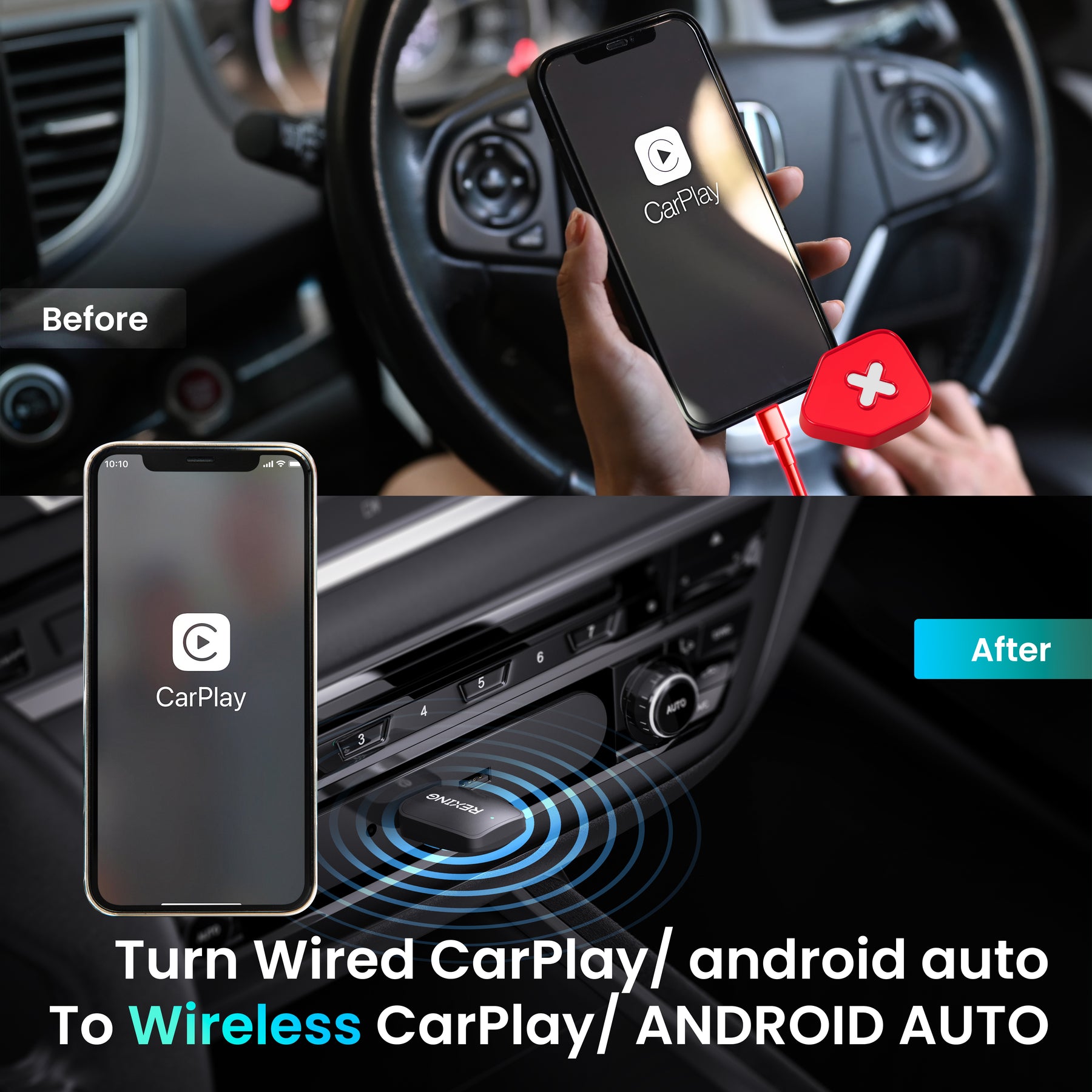
Your familiar apps. Your existing display. Turn factory-installed wired Apple CarPlay or Android Auto into a wireless connection, with one compact adapter.
Check your compatibilityRequires a vehicle with the corresponding factory-installed wired system.
START WITH YOUR SETUP
CPW-42 upgrades an existing wired connection. Check your vehicle and phone before choosing your adapter.
Factory-installed wired Apple CarPlay for iPhone, or factory-installed wired Android Auto for Android. Use the vehicle's USB data port that already runs that system.
iPhone running iOS 10 or later. Enable Wi-Fi and Bluetooth for setup, then follow the pairing prompts.
Android phone running Android 11 or later. Your phone and vehicle must support the corresponding Android Auto connection.
Already have wired CarPlay or Android Auto? Check it by connecting your phone directly with a cable first. A charging-only USB port or Bluetooth-only stereo is not enough. Compatibility can vary by vehicle and infotainment system.
LESS PLUGGING IN
Keep the adapter connected to your vehicle and leave the daily phone cable behind. After the first pairing, CPW-42 reconnects automatically for your next drive.
Pair onceSet up the wireless connection using your phone's Bluetooth settings.
Stay connected5 GHz Wi-Fi and Bluetooth support the wireless experience.
Return to your routineAccess your supported apps from the display you already use.
YOUR ESSENTIALS, ON SCREEN
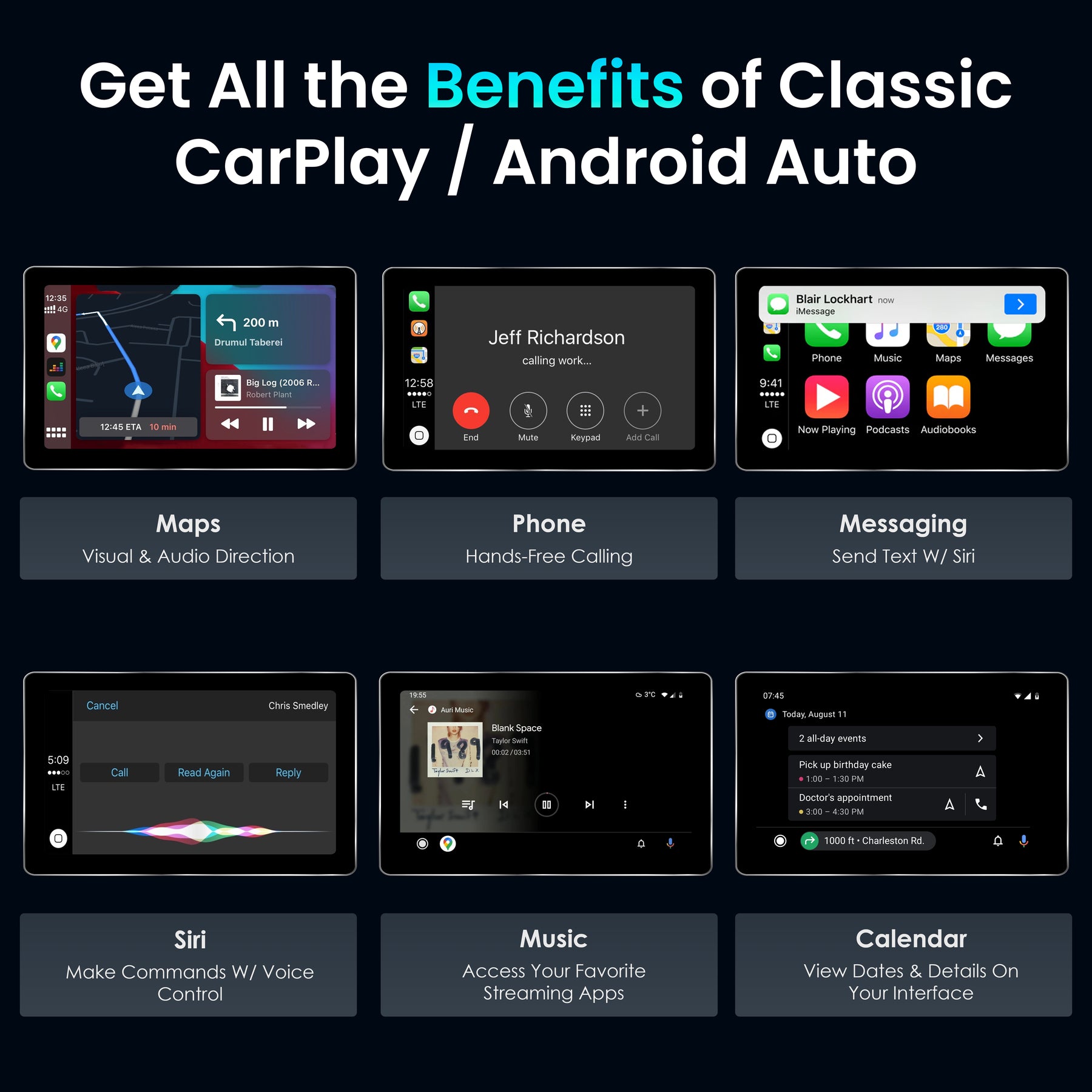
Bring supported navigation, music, calling and messaging apps to your car's existing display through CarPlay or Android Auto.
Follow directions in your compatible navigation app.
Choose your music, podcasts and other supported audio.
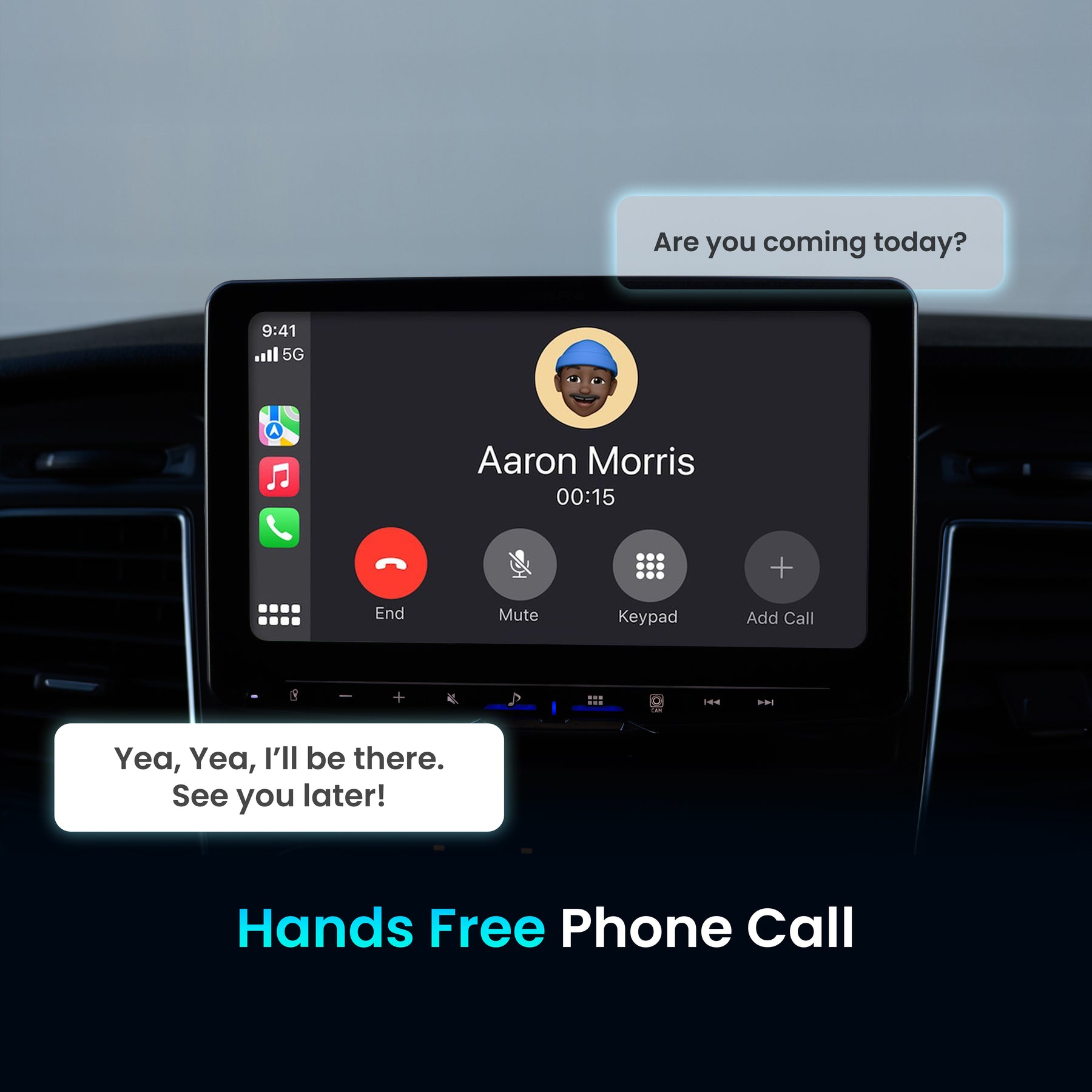
Use supported hands-free calling through your car's audio.
Access compatible voice-assistant functions from your phone.
Available apps and functions depend on your phone, vehicle and platform.
FAMILIAR CONTROLS
Manage supported calls, music and volume through your vehicle's steering-wheel controls. Use your compatible voice assistant for everyday requests, with the car's display and audio keeping everything familiar.
Control availability follows the functions supported by your vehicle and connected phone.
SMALL ADAPTER. SIMPLE INSTALLATION.
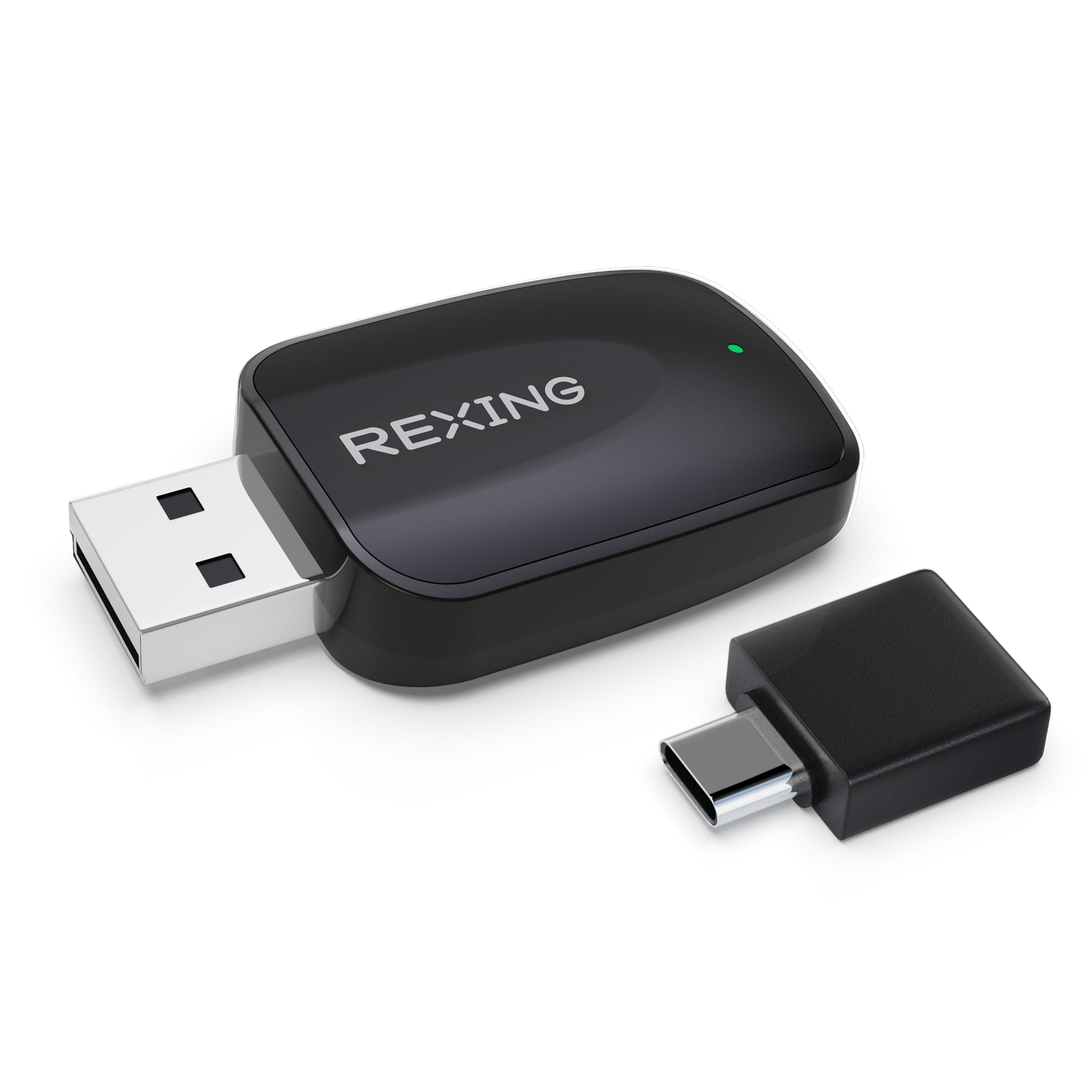
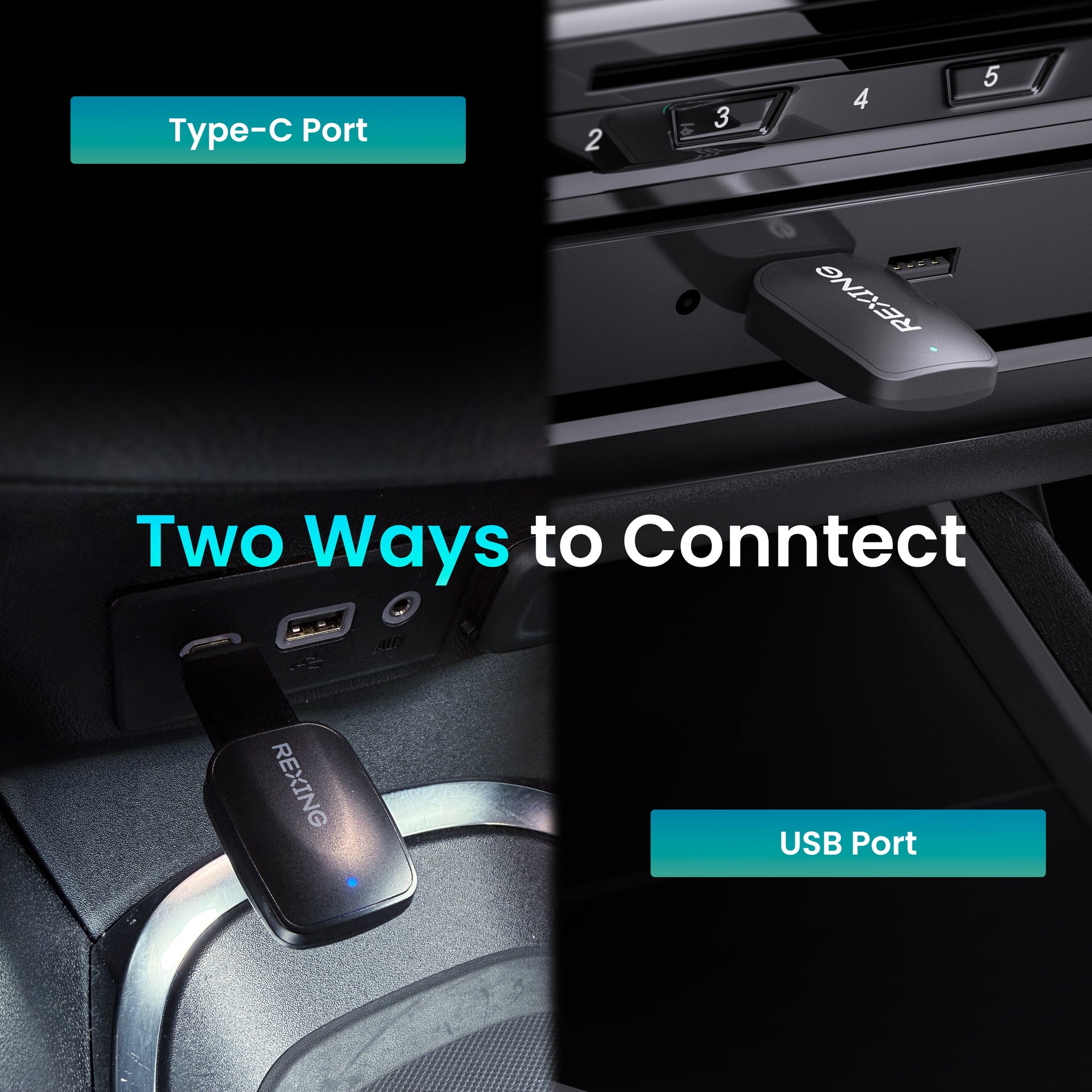
Connect using USB-A or the USB-C connection option shown with CPW-42. Choose the port your vehicle uses for wired CarPlay or Android Auto, then complete pairing from your phone.
Use a data port. The adapter needs the vehicle's existing CarPlay or Android Auto USB connection, not just a source of USB power.
FIRST-TIME CONNECTION
Complete the initial setup while your vehicle is parked.
Connect CPW-42 to the USB-A or USB-C data port used by your wired CarPlay or Android Auto system.
Turn on Wi-Fi and Bluetooth on your phone. Select the adapter shown in Bluetooth settings and confirm the pairing request.
Accept the on-screen connection prompts. On iPhone, choose “Use CarPlay” when asked. Later connections are automatic.
AT A GLANCE
BEFORE YOU CONNECT
No. CPW-42 converts a compatible factory-installed wired system to wireless. Your vehicle must already support the corresponding wired CarPlay or Android Auto connection.
No. After initial setup, the phone connects wirelessly. The adapter stays connected to the vehicle's compatible USB data port.
The display shows apps supported by CarPlay or Android Auto. Available apps and features depend on your phone, platform and vehicle; this is not unrestricted phone-screen mirroring.
REXING CPW-42
Check your setup, connect your phone and make the next drive simpler.
Back to purchase options