


Rexing Connect
Connect your phone to your C3 camera’s Wi-Fi to review recordings and available GPS information.
App access and GPS features depend on your camera model and firmware.
Cart
Your cart is empty
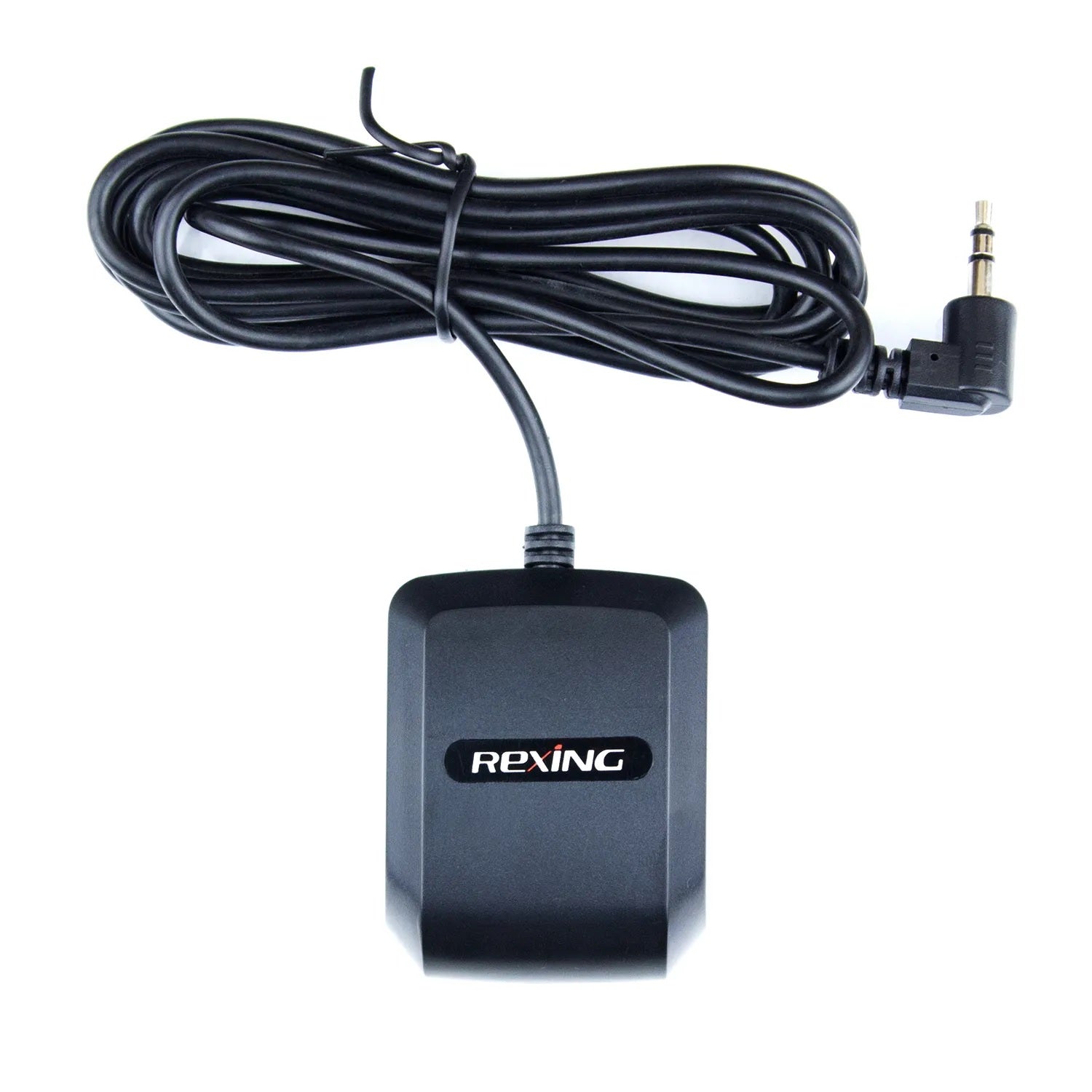
Add GPS location, speed and route information to your Rexing C3 recordings after a satellite signal is acquired.
Rexing C3 only. This dedicated GPS logger uses a 3.5mm connector. It is not compatible with other Rexing camera models. A matching connector does not establish compatibility.
Use Rexing Connect with your C3 camera's Wi-Fi, or review original GPS recordings on a computer with Rexing GPS Player. Available features depend on camera firmware. GPS playback requires footage recorded with GPS data.
Rexing Connect: iPhone / iOS · Android
Rexing GPS Player: Windows · Mac
EXTERNAL GPS LOGGER · 3.5mm
C3-only compatibility, GPS connection and recording playback.
Designed for the Rexing C3.
Use this dedicated logger with the Rexing C3 only. Check the model name on your camera or packaging before ordering. If your C3 setup already includes GPS, an additional logger may not be needed.
C3-specific accessory. This logger is not interchangeable with the other Rexing 3.5mm GPS logger. The connector size alone does not establish compatibility.
Check GPS accessories for another model →This dedicated external logger connects to the 3.5mm GPS port on the Rexing C3. After a satellite signal is acquired, the camera can record location, speed and route information alongside its video.
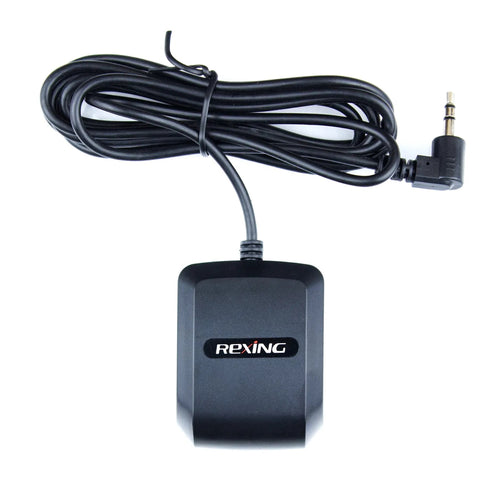
Refer to your camera’s manual for GPS port location and settings.
Phone and computer options.
Connect your phone to your C3 camera’s Wi-Fi to review recordings and available GPS information.
App access and GPS features depend on your camera model and firmware.
Copy the original files from your camera’s memory card to your computer and open them in the compatible GPS Player.
Keep the original files and check your camera manual for player requirements.
Need help identifying your GPS port? Contact Rexing support.
CUSTOMER FEEDBACK
Product feedback and shopping experiences from three independent review sources. Every star rating is welcome.
Loading product reviews…
These reviews describe shopping and service experiences with Rexing as a business. They are separate from reviews of this product.
All star ratings are included. Browse the full review history on Trustpilot.
View all Rexing reviews on Trustpilot ↗