How do I format a new memory card?
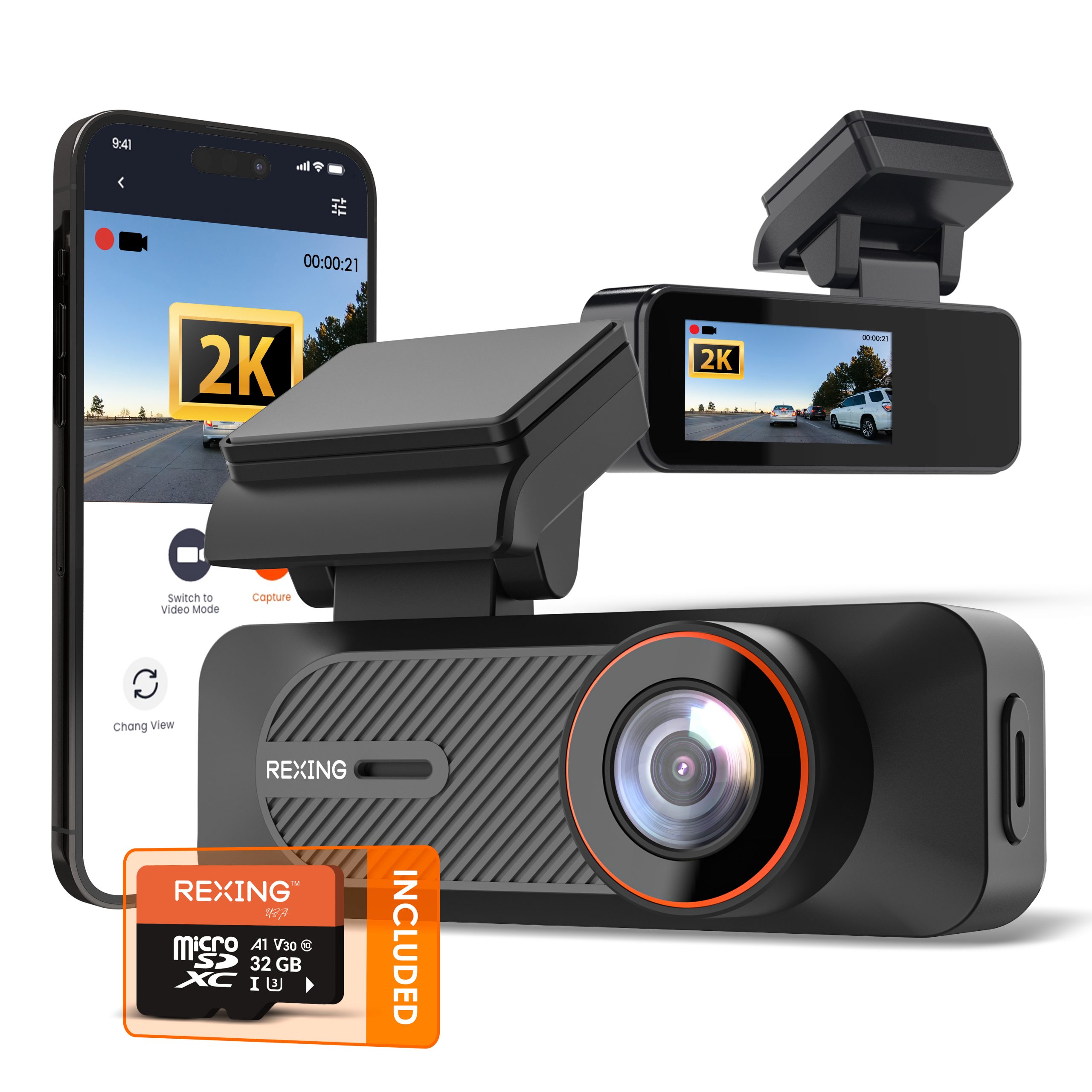
Back up the card first and insert it while the camera is off. Connect power. The C1B manual says that when formatting is required, a prompt appears and formatting begins automatically. Keep power connected until it finishes and recording starts. Formatting erases the card.
What does the camera button do?
Press once to activate Wi-Fi or switch views. Hold for 3 seconds to lock the current clip. Hold for 10 seconds to reset the device. These actions are listed in the C1B camera overview; avoid holding the button longer than intended.
How do I watch and download my videos?
Connect your phone to the camera Wi-Fi, open Rexing Connect and tap Connect. Open video playback from the app home screen. Press and hold a clip to select it, then use the download button.
Why does the phone report no internet?
Camera Wi-Fi connects your phone directly to the dash cam; it is not an internet hotspot. Stay connected to that network while using Rexing Connect. If prompted, select Keep Trying Wi-Fi, then tap Connect in the app.
Why is the memory card full?
Loop recording overwrites the oldest unlocked clips. Locked files are protected and remain until manually deleted or the card is formatted. Back up important footage, then clear files or format as needed. The guide lists a one-minute loop and Low G-sensor sensitivity as defaults.
Which memory card should I use?
The installation instructions specify Class 10 / UHS-I or higher microSD cards up to 128GB. The box contents list a 32GB card. Confirm compatibility with support before using a larger card, and always power off before inserting or removing it.
Why are the date and time wrong?
Check the date and time on your phone, then connect the C1B to Rexing Connect. The camera synchronizes its date and time with your phone when connected through the app.
Why does parking monitoring stop?
Check the exact power kit, connections and parking setting. A hardwire kit with low-voltage protection can cut power when the vehicle battery reaches its cutoff. Without power, the camera cannot record or wake for motion. Follow the instructions for your kit.
Why does the camera turn off when unplugged?
The manual states that the camera shuts down about three seconds after external power is removed. Use the supplied car charger for normal driving or a compatible hardwire setup for parked recording.
Where can I find the correct firmware?
Contact support with the C1B model label and current firmware version. Install only a file confirmed for your exact hardware. Do not use C1, C1 Plus or V1 firmware.